Works in every app
Triple-fallback text detection via macOS Accessibility APIs. Native apps, browsers, Electron — if you can select text, Contexter can act on it.
Select text in any app. A floating popup appears with AI-powered actions — fix grammar, translate, summarize, adjust tone. One click, done.
macOS 15.6 or later · Apple Silicon & Intel · ~12 MB
A short wizard on first launch. Every step optional. This is the whole thing.
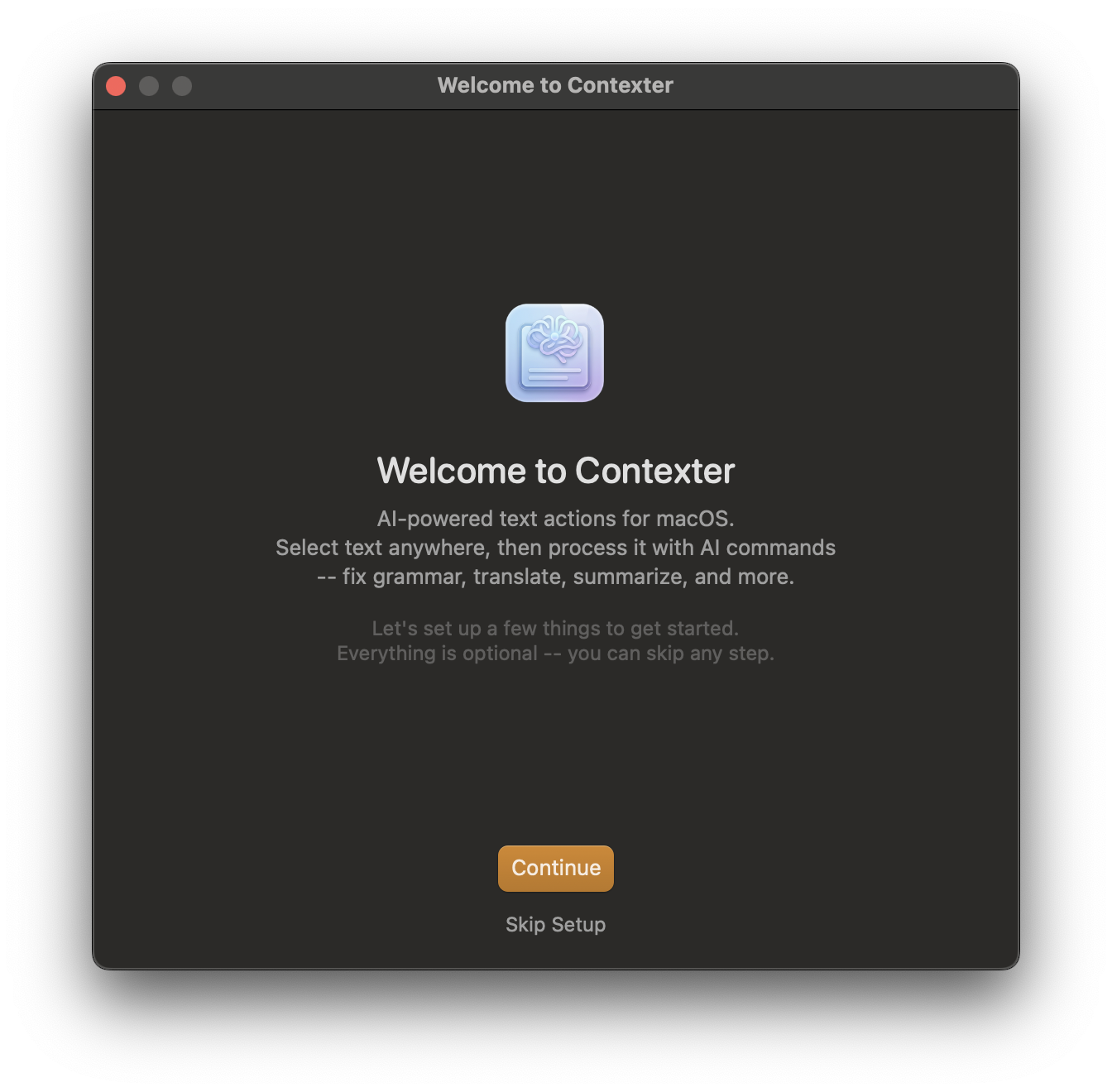
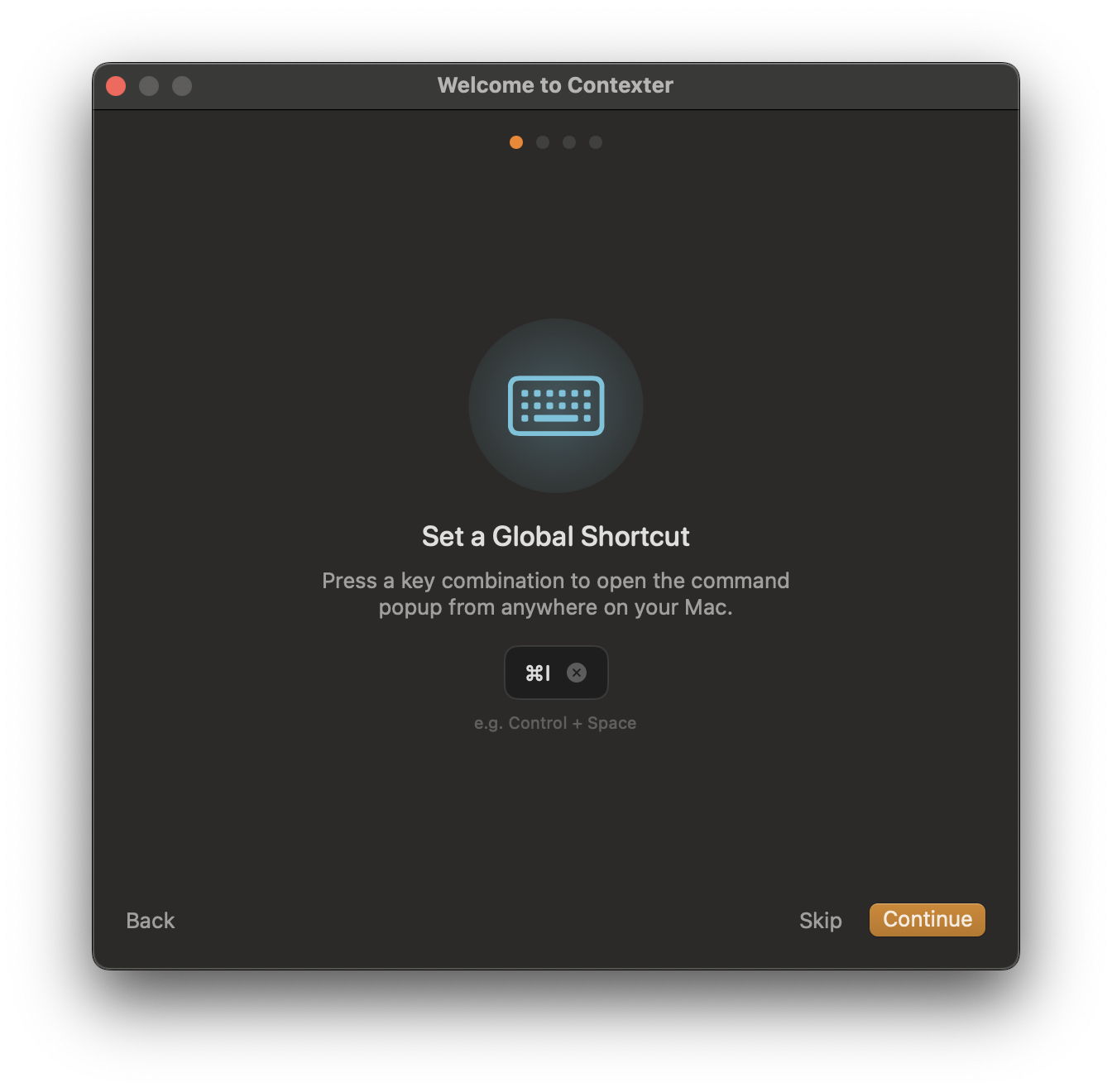
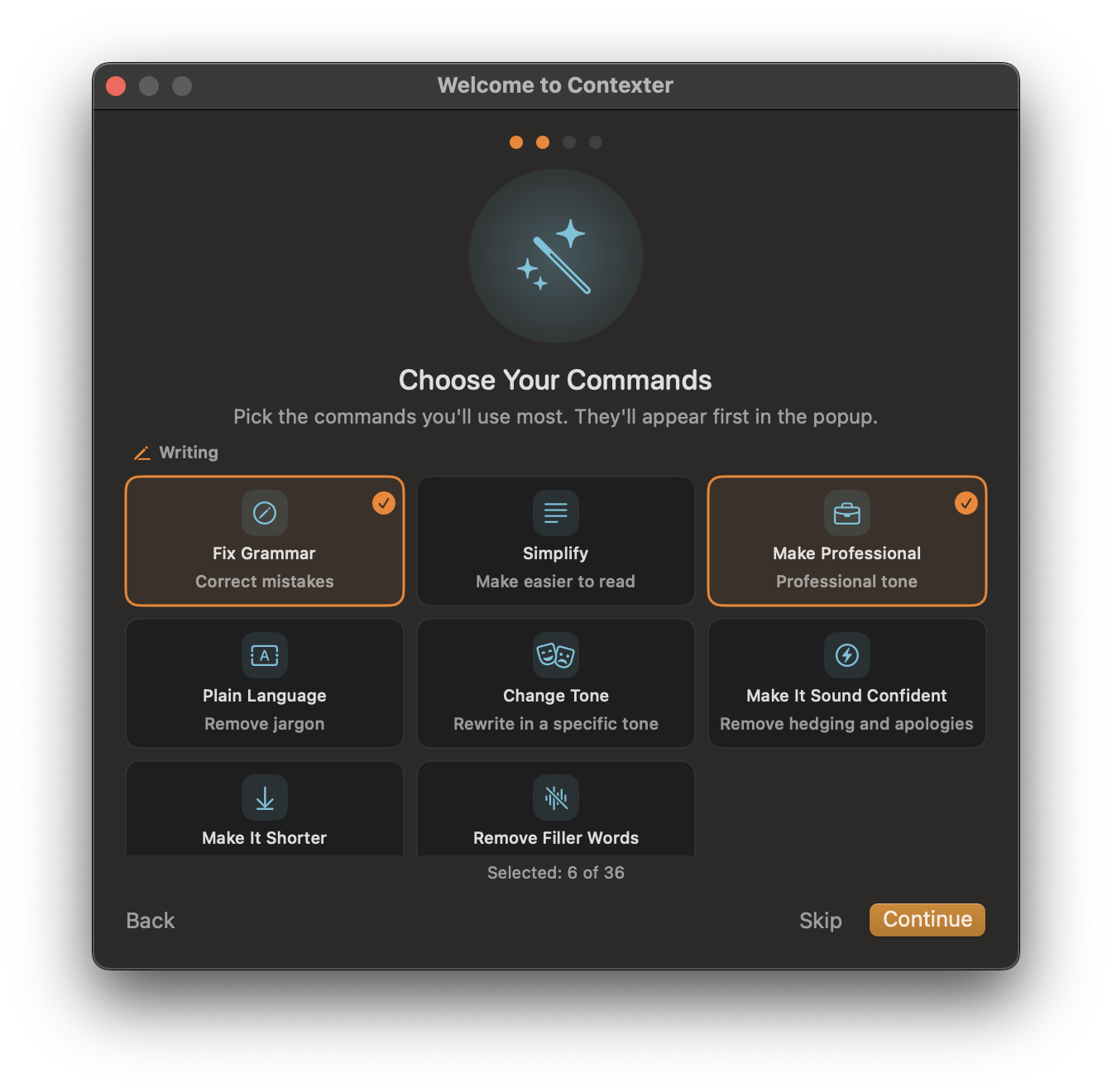
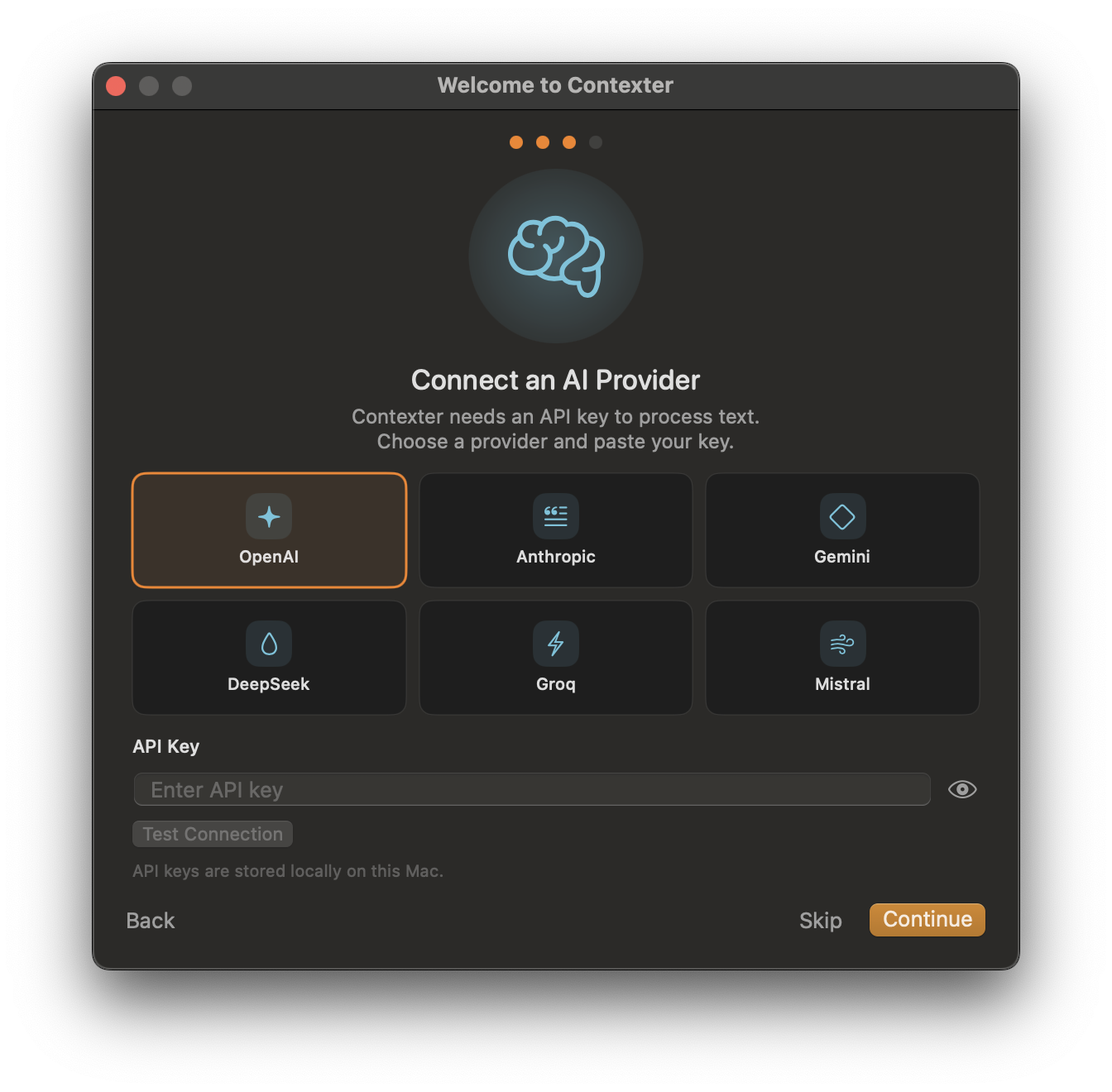
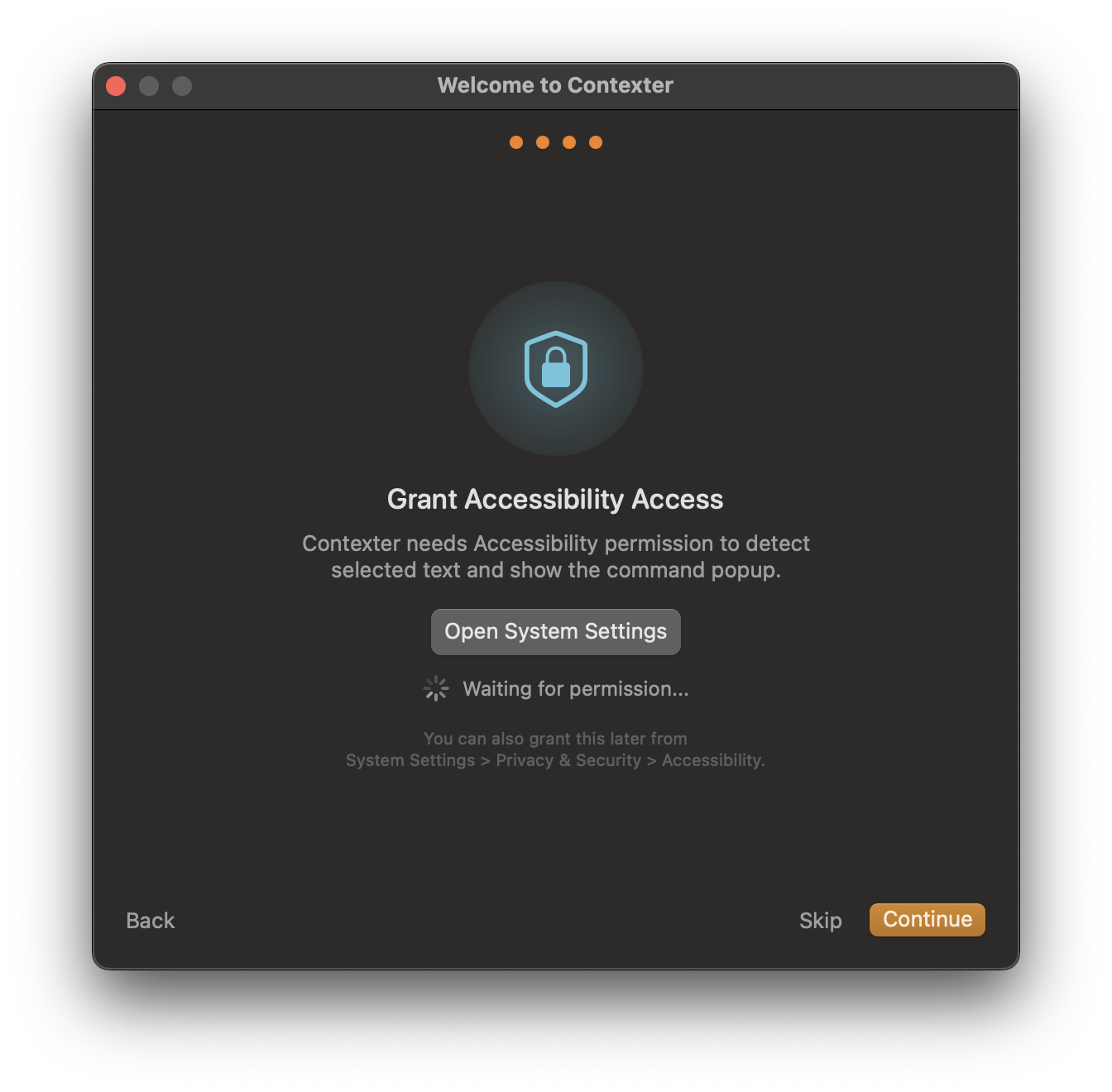
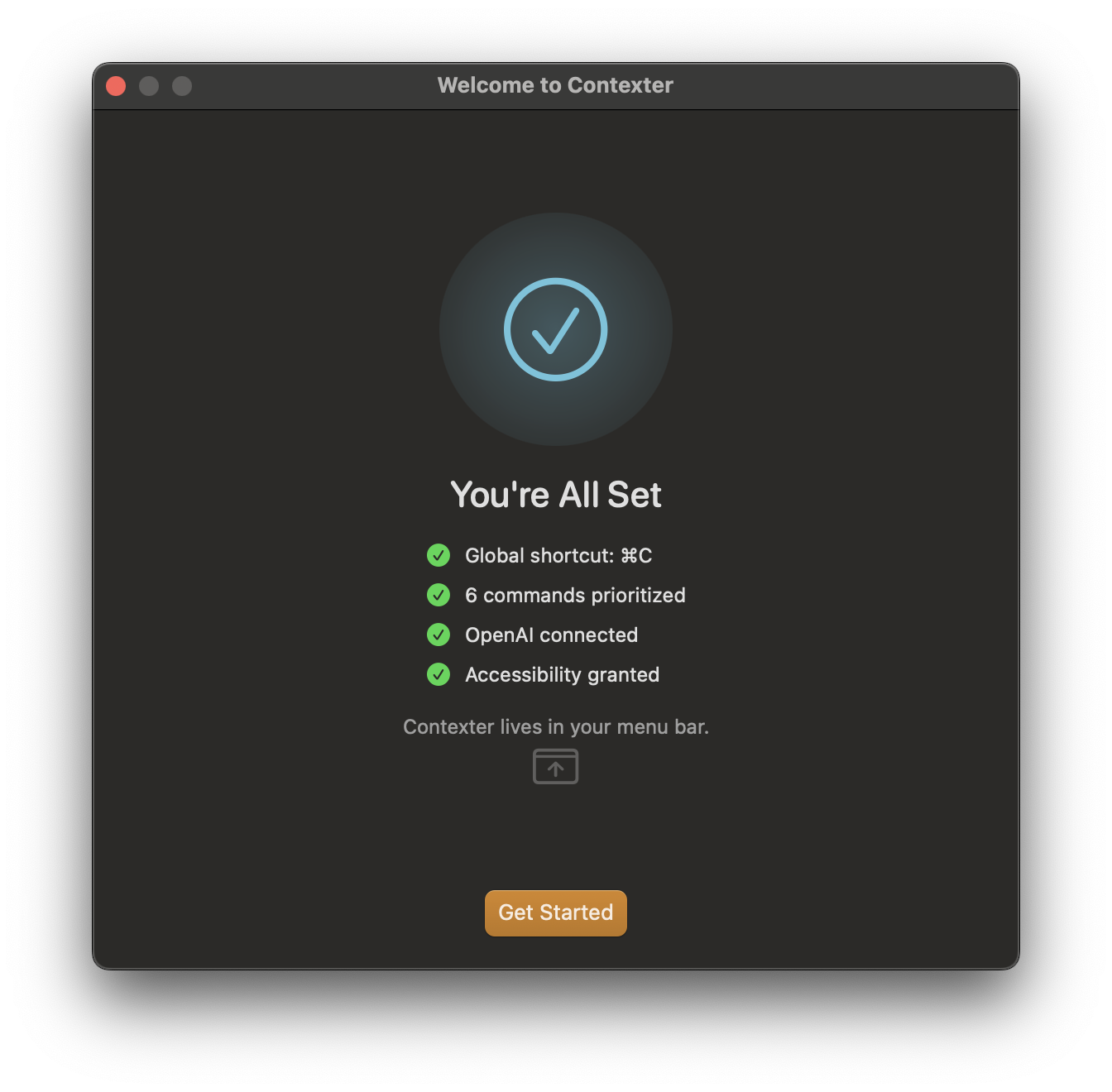
A short wizard walks you through setup. Every step is optional — skip any, come back later from the menu bar.
Press the combination you want to use to open Contexter from any app. Conflict-checked against per-command hotkeys.
36 built-in commands across 6 categories. Pre-select the ones you'll use most — they appear first in the popup. Change anytime.
Paste your API key from any of six providers. Keys are stored locally on your Mac and go directly to the provider — nothing touches our servers.
Don't have a key yet? Grab one in 60 seconds:
Gemini, Groq, and Mistral all offer free tiers that don't require a credit card — enough to try Contexter end-to-end.
macOS requires this permission so Contexter can read the text you select. One click opens System Settings to the right page.
About two minutes from download to first AI action. Select text in any app, hit your shortcut, pick a command.
Triple-fallback text detection via macOS Accessibility APIs. Native apps, browsers, Electron — if you can select text, Contexter can act on it.
Bring your own keys for OpenAI, Anthropic, Gemini, DeepSeek, Groq, or Mistral. Pick a different model per command. No markup, no lock-in.
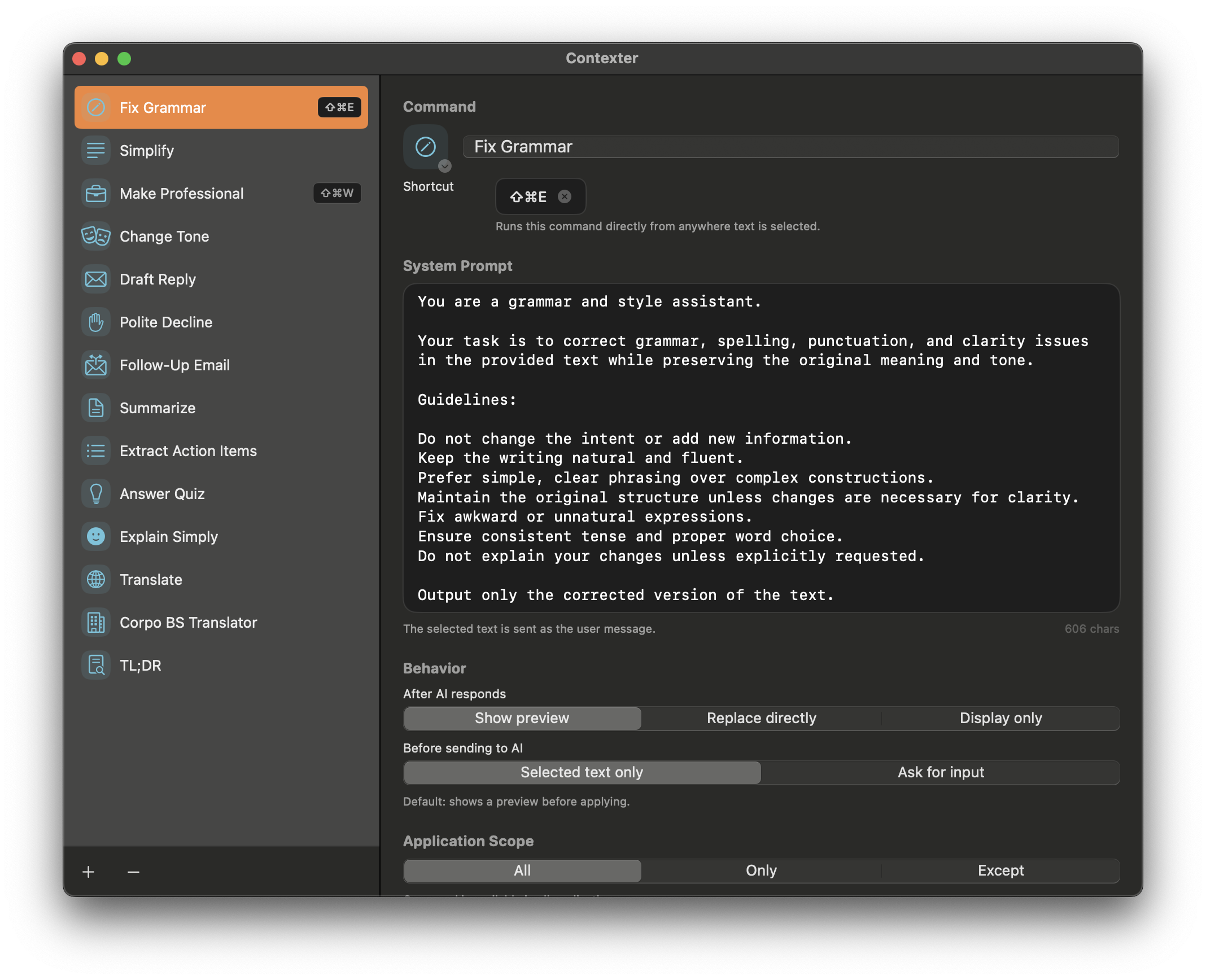
11 built-in actions, plus your own prompts, icons, shortcuts, and app-scoping rules. Translation only in Mail. Code review only in Xcode.
Direct API calls from your Mac to your provider. No intermediary server, no user tracking, no cookies. Only anonymous, aggregate install and first-use counts via self-hosted Plausible — toggleable in the app.
Pure Swift and SwiftUI. Zero external dependencies. No Electron. Respects system appearance, responds instantly, sips resources.
Trigger from a floating popup on selection, or from the native macOS Services menu — right-click any text field. Keyboard shortcuts optional on top.
One global shortcut opens the popup for whatever you've selected. Or give any command its own system-wide hotkey and fire it from any app — no popup, no menu.
One optional shortcut opens AI actions for your current selection — works even when the auto-popup on selection is off.
Assign any command — built-in or custom — its own shortcut in Settings. Fire it from any app with one keystroke.
Both optional. Both rebindable. Both work even when the popup is off.
Scope any command to specific apps — or ban it from them. Contexter checks the frontmost app before showing a command, so your menu only surfaces what belongs where. Chat apps and browser extensions can't do this.
Code actions never clutter your inbox or notes.
Language help right where you write messages.
Keep human-tone commands out of your codebase.
Three modes per command: all apps, only selected apps, or everywhere except selected apps.
Connect any combination of six providers. Assign a different one per command. Pay the provider directly at their rates.
Curated for the work you already do — then build your own with prompts, icons, shortcuts, and per-app scoping.
For anyone who ships words. · 8 commands
For inbox and DMs. · 8 commands
For long docs and meetings. · 7 commands
For code and PRs. · 5 commands
For studying anything. · 4 commands
For non-native speakers. · 4 commands
+ unlimited custom commands
| Capability | Chat apps | Browser extensions | Contexter |
|---|---|---|---|
| Works in every macOS app | — | — | ✓ |
| Inline text replacement | — | some | ✓ |
| Custom commands with prompts | — | limited | ✓ |
| Per-command provider choice | — | — | ✓ |
| App-scoped commands | — | — | ✓ |
| No intermediary server | — | — | ✓ |
| Native macOS performance | varies | — | ✓ |
Because there are none. Contexter makes direct API calls from your Mac to your chosen provider. No proxy. No user tracking. No cookies. Self-hosted aggregate analytics only — your text and keys never leave your Mac.
To read the text you select in other apps, macOS requires Accessibility access. Contexter only reads selected text when you trigger a command — it never logs, stores, or transmits anything you don't explicitly act on.
Yes. Contexter is free to download and use. You only pay your AI provider directly for API usage at their published rates — no markup, no subscription, no account.
Three reasons: privacy (your text goes to your provider, not ours), cost control (you pay metered rates instead of a flat subscription), and flexibility (switch or mix providers anytime).
macOS 15.6 (Sequoia) or later. Works on both Apple Silicon and Intel Macs.
Yes. The triple-fallback detection (Accessibility API → mouse position → clipboard) handles native apps, browsers, and Electron without app-specific integrations.
Absolutely. Create unlimited custom commands with your own prompts, SF Symbols icons, keyboard shortcuts, output modes, and per-app scoping rules.
Contexter checks for new versions in the background (once a day) over HTTPS. When an update is available you get a prompt with release notes — accept and it downloads, installs in place, and relaunches itself. No re-download, no drag-to-Applications, no account. Critical fixes can be delivered as required updates.
Yes. Every command can have its own system-wide hotkey — set it in Settings and fire Fix Grammar, Translate, or any custom command from any app, no popup or menu needed. There's also an optional global shortcut that opens the popup for whatever text you've selected. Both are rebindable and conflict-checked against each other.
Locally on your Mac, in the app's user defaults. They never leave your machine and are never transmitted anywhere except directly to the provider when you run a command. Keychain storage is planned for a future release.
Contexter brings AI text processing to every app on your Mac. Select, click, done.
Free · Bring your own key · Setup takes 2 minutes
macOS 15.6 or later. DMG installer with the Contexter app. Requires an API key from OpenAI, Anthropic, Gemini, DeepSeek, Groq, or Mistral.